
Scheduling that does itself
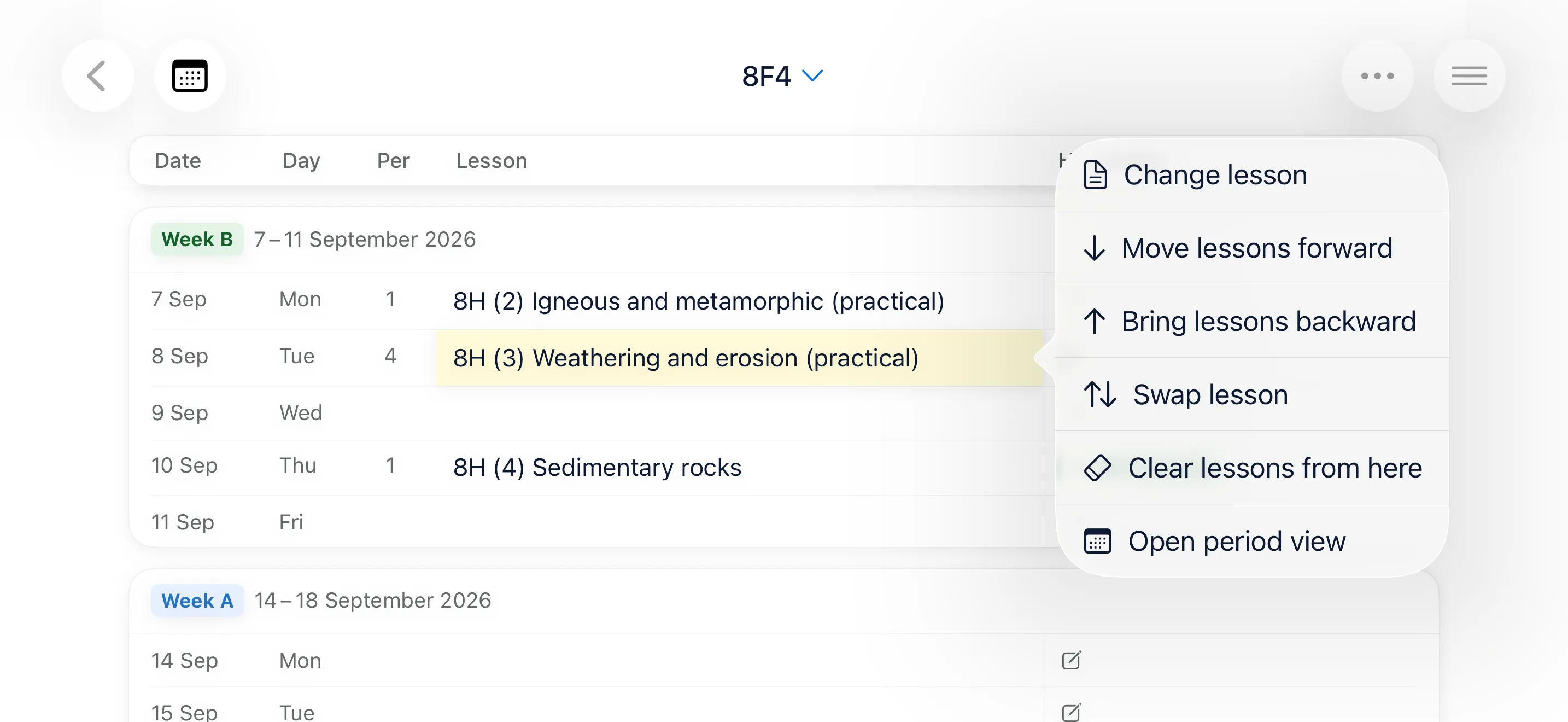
Apply a single lesson, a whole topic, or your entire teaching order. Skeme places every lesson on the right period for that class, in the right sequence.
Skeme schedules your lessons automatically, in the right order, on the right periods. When plans change — and they always do — Skeme bumps everything back into place.
Download on the App Store See what it does
Try Skeme free for 14 days, no payment details required. Then choose £19.99/year or £2.99/month.
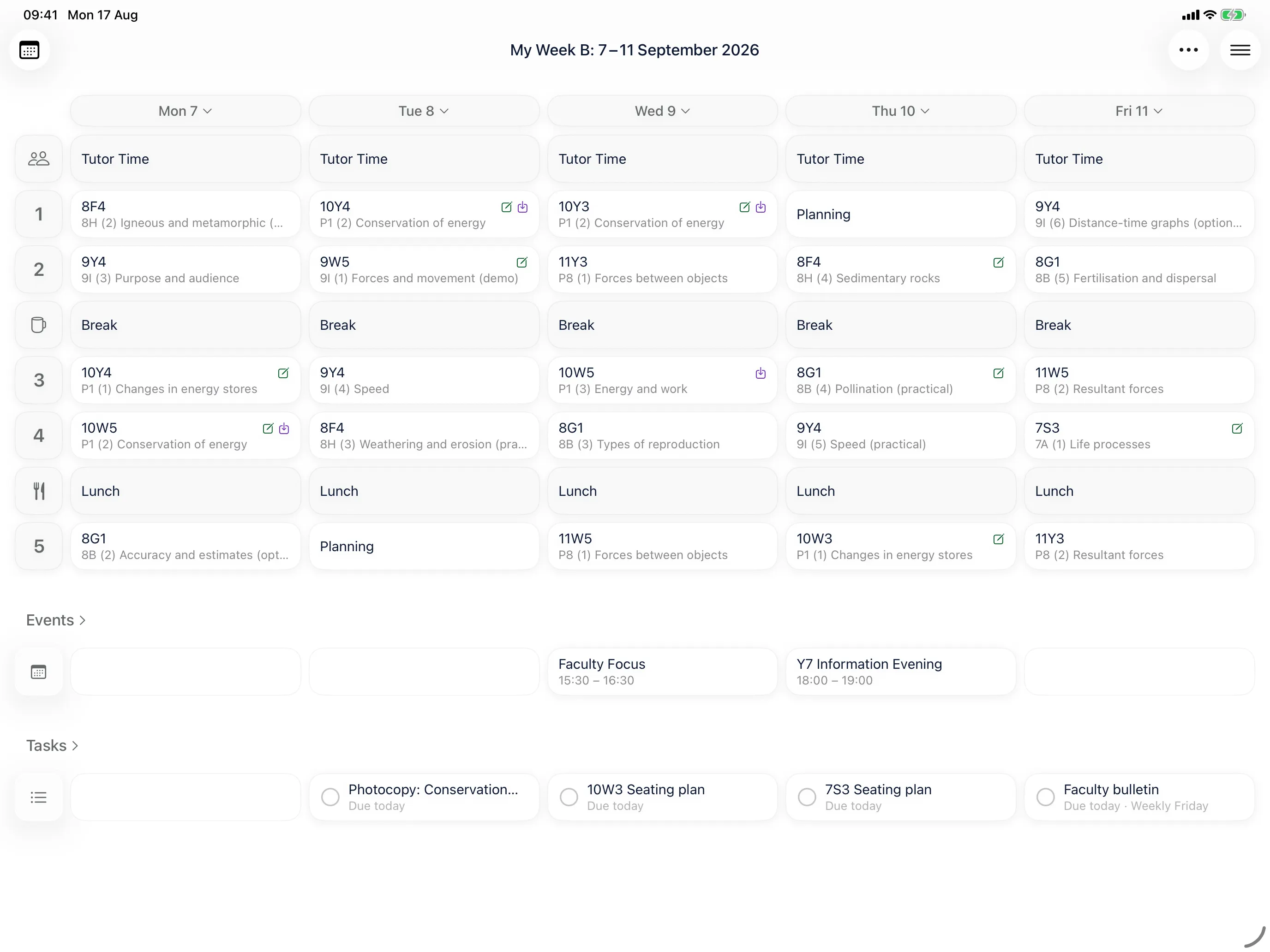
Apply a single lesson, a whole topic, or your entire teaching order. Skeme places every lesson on the right period for that class, in the right sequence.
Assembly, snow day, fire drill. Bump a lesson forward and everything behind it shuffles along. Lock the tests and revision lessons so they stay exactly where they are.
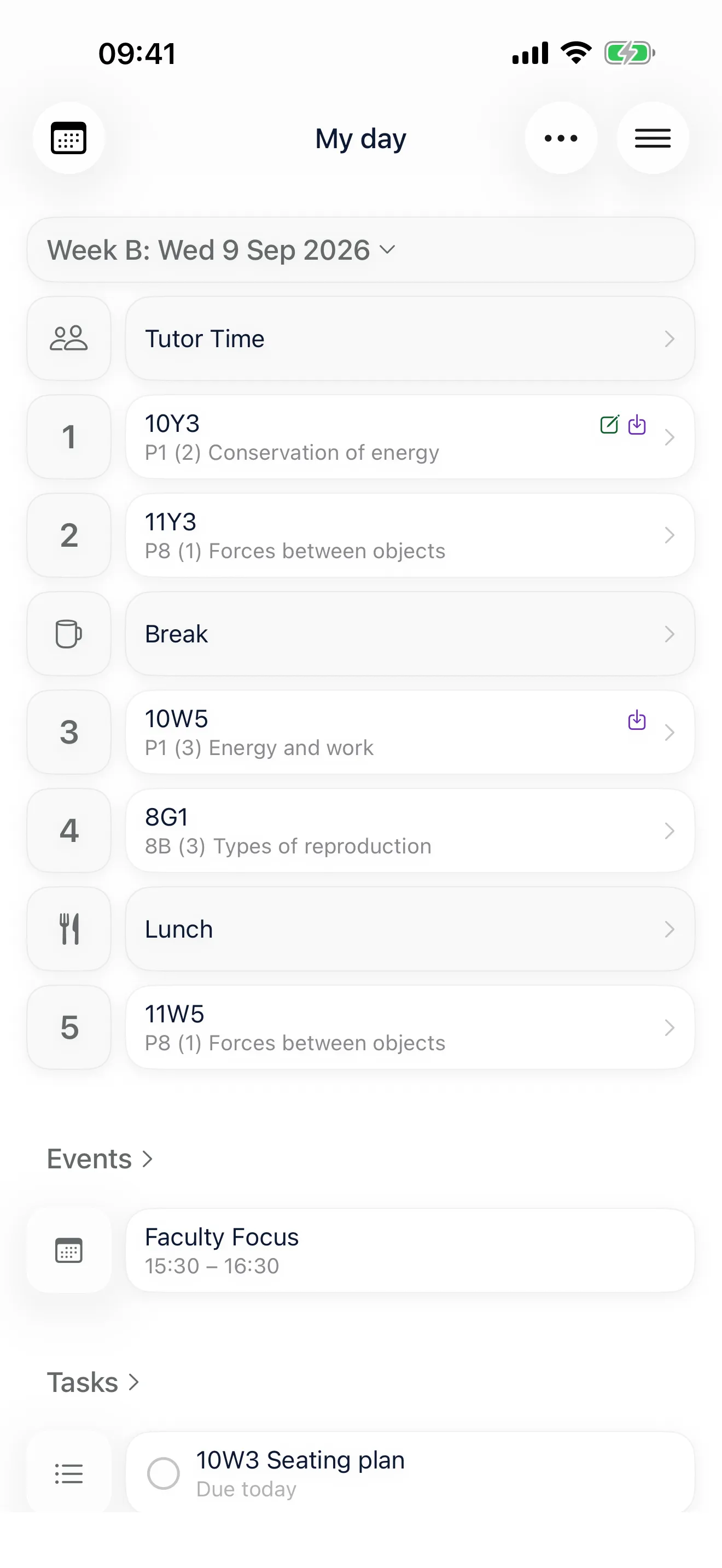
Attach tasks to lessons in your curriculum. Photocopying three days before. Equipment ordered by Monday. It appears when you need to do it, not when it is already too late.
Mark training days and non-teaching days and your lessons move around them. Two-week timetables alternate on their own, and you can mark break weeks in setup.
Day view for what you are teaching now. Week view on iPad. Class group view for the whole sequence. Timetable view to find when you next see a class.
Import and export calendar dates and topics. One person in the department builds it, everyone else imports it, and nobody types the same curriculum twice.
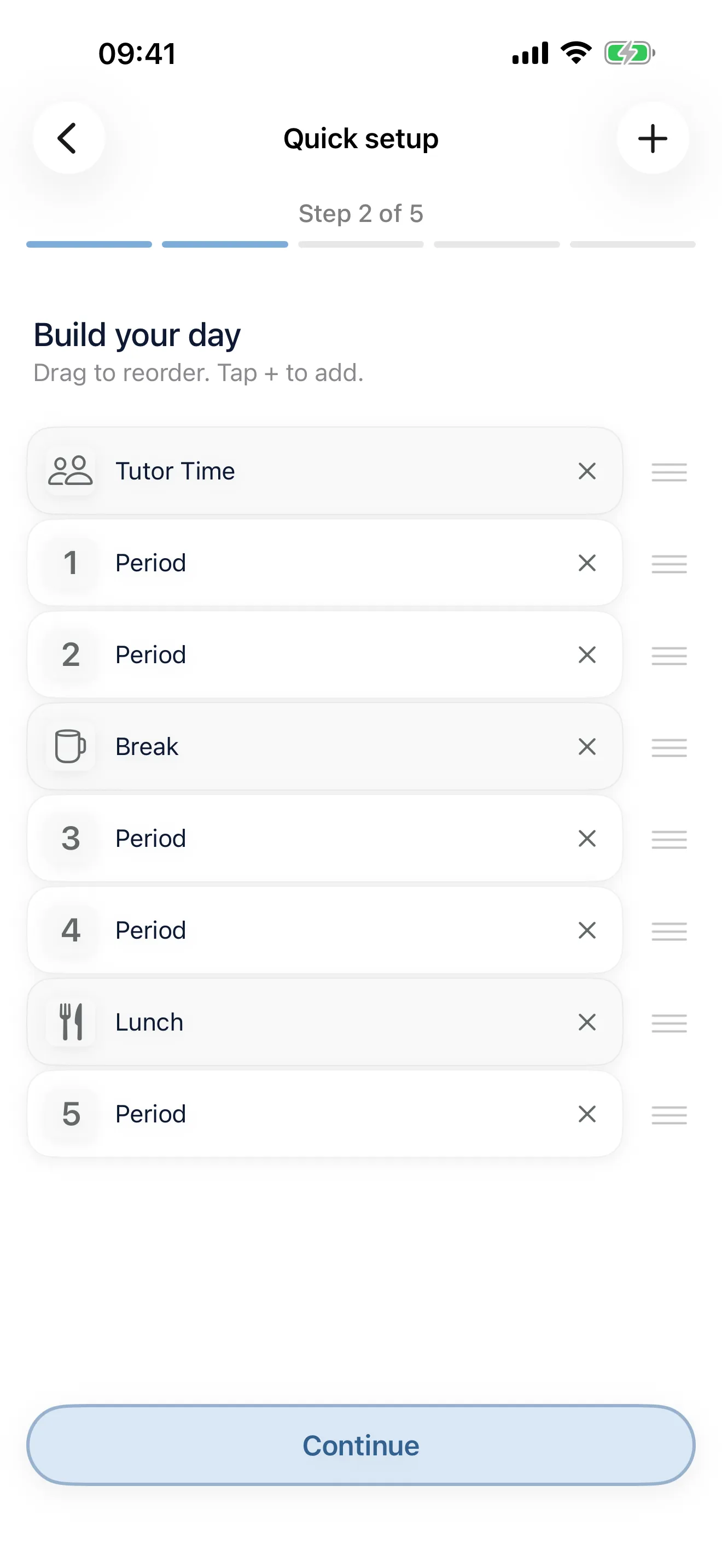
Choose a one or two-week timetable, set your periods, breaks and lunches, then your term dates. Two-week timetables alternate automatically.
Enter your classes once. Skeme remembers them — no typing the same group name twice.
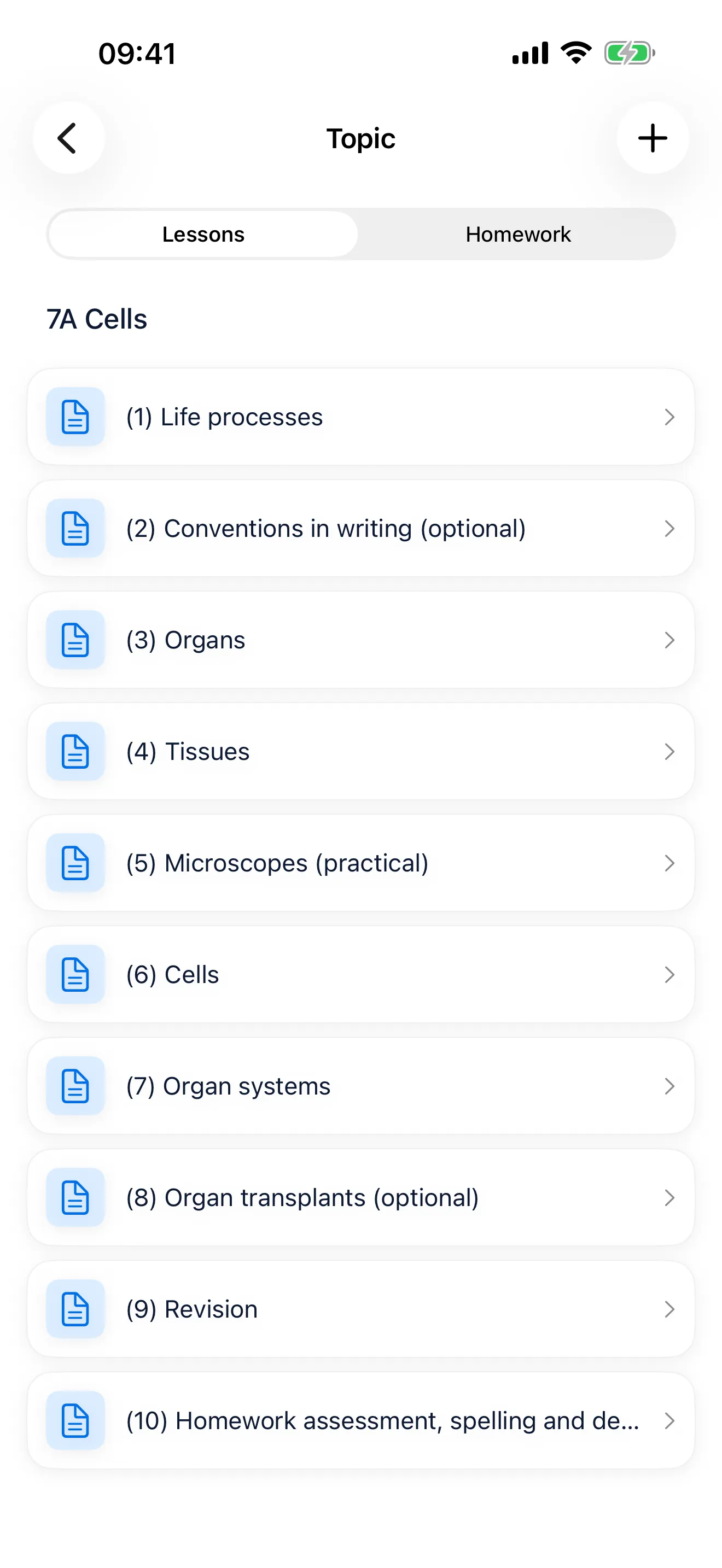
Build topics and lessons per course, then apply them to a class. Your term fills itself in.
A paper planner costs about the same and cannot reschedule itself when you lose a week to exams. Skeme syncs across your iPhone and iPad through your own iCloud account, so your planning is wherever you are.
£19.99 a year or £2.99 a month in the UK. Prices vary by country. Try everything in Skeme free for 14 days, with no subscription or payment details required and nothing to cancel. After the trial, choose a yearly or monthly subscription to keep planning and editing.
Got an idea for a new feature? Tell us! Both feature and support requests go through the support page.